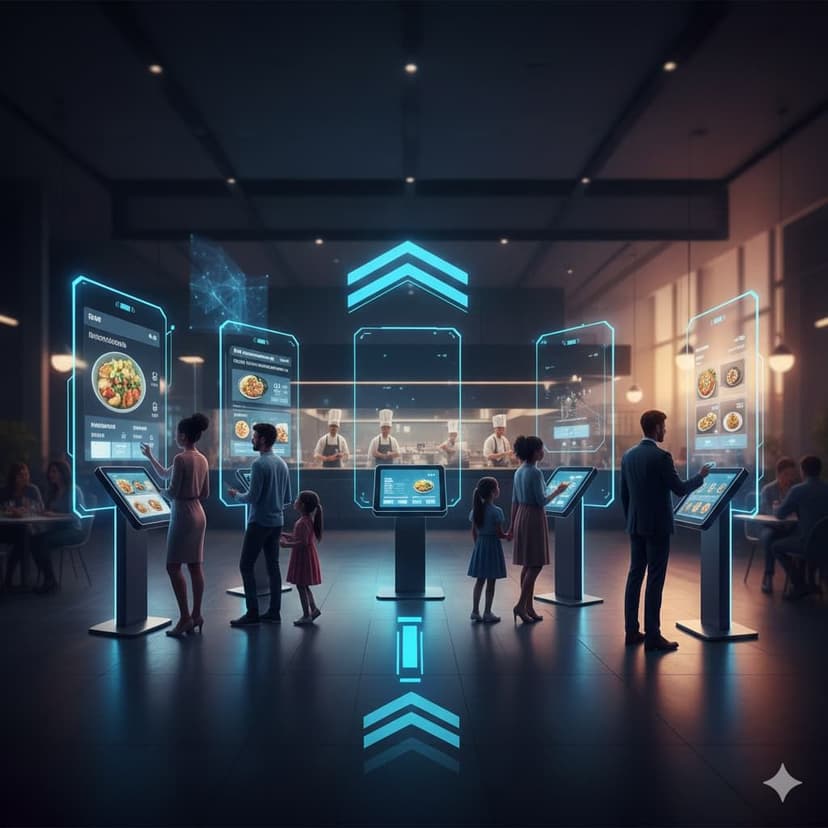
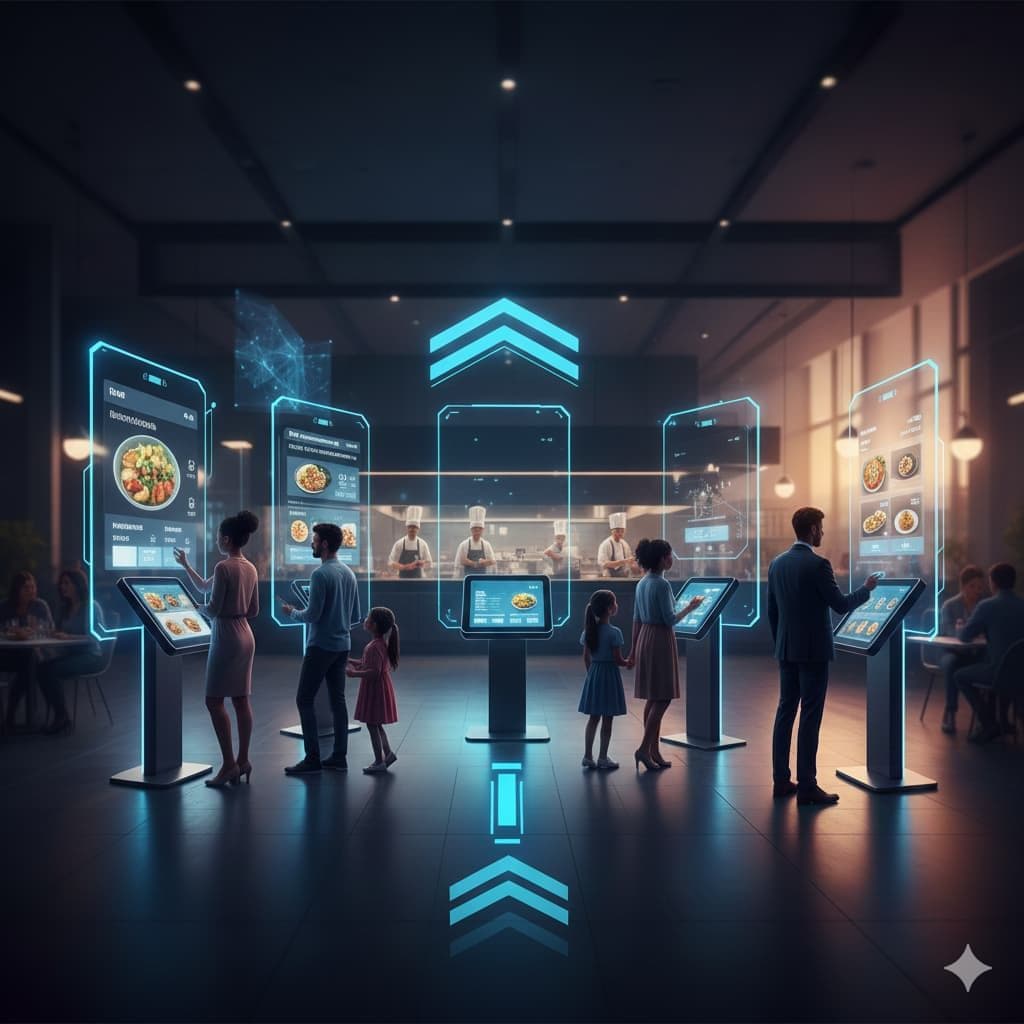
Choosing the right interactive digital menu can completely transform how customers explore your offerings and place orders. Instead of relying on outdated, static displays, modern menus give restaurants a dynamic tool that improves engagement, boosts sales, and streamlines operations. With so many platforms available, it’s important to understand what features matter most. This guide walks you through everything you need to know to confidently select the perfect system for your business.
Static PDFs vs. Interactive Menus: Understanding the Difference
Static PDFs were once the quick digital solution, but today’s customers expect more flexibility. A high-quality interactive digital menu delivers movement, instant updates, clickable items, and real-time control. Below, we break down the key differences so you can make the right choice for your interactive menu restaurant experience.
PDF Menus: Limited and Hard to Navigate
PDFs are easy to upload but difficult for customers to browse. Zooming, scrolling endlessly, and slow loading often frustrate users. A static file also means it cannot adapt to sold-out items or pricing changes instantly. For restaurants that want to grow or frequently update items, PDFs simply can’t keep up with the expectations of today’s diners.
Interactive Menus: Built for Real-Time Engagement
An advanced interactive digital menu offers swipe-friendly navigation, images, videos, nutritional info, and instant updates. These menus improve customer satisfaction and encourage longer browsing times. They also support features shown in top interactive menu examples, such as adding items to carts, filtering by preferences, and integrating tools that enhance the purchasing journey.
Essential Features to Look For
When choosing an interactive digital menu, the features you prioritize will determine the overall experience for both customers and staff. Your digital system should reduce manual work, accelerate ordering, and provide a clean display of products. Below are the must-haves.
High-Quality Item Display (Photos & Videos)
Visuals drive sales. A strong interactive food menu supports crisp images, short product videos, and appealing layouts. This helps customers make confident decisions and reduces questions for staff.
Category-Based Navigation
A structured layout makes browsing easier. Choose a menu system that breaks items into sections, breakfast, appetizers, drinks, desserts, to create a smooth, intuitive experience similar to the best interactive menu examples found in modern cafés and restaurants.
Real-Time Stock & Availability Indicators
Your interactive digital menu should automatically hide, disable, or mark items as “sold out” so customers only see what’s currently available. This prevents confusion, reduces complaints, and ensures smooth daily operations.
QR Code Accessibility
QR menus continue to dominate the restaurant world. Look for systems where customers can scan and instantly view your interactive food menu without downloading anything or waiting for slow loading pages.
Operational Ease: Can You Update It in Real-Time?
One of the biggest advantages of an interactive digital menu is the ability to make instant changes. Prices fluctuate, ingredients run out, promotions come and go, your menu should adapt just as quickly.
Updating should take seconds, not hours. Whether you need to edit descriptions, add new dishes, or remove seasonal items, the system you choose must allow real-time adjustments without technical skills. This ensures your interactive menu restaurant stays accurate and fresh at all times.
The Checkout Flow: WhatsApp Integration vs. Traditional Carts
Checkout flow is a critical point where many restaurants lose customers. Choose your interactive digital menu based on how you want people to place orders. Below are the two common pathways.
WhatsApp Checkout: Simple & Familiar
WhatsApp checkout connects your menu directly to customer messages, letting them send orders instantly. It reduces abandoned carts and suits small cafés or home-based kitchens. It also works beautifully for restaurants that don’t want to manage complicated back-end systems.
Traditional Shopping Cart: Ideal for Full Ordering Systems
If your interactive digital menu is part of a larger digital ecosystem, a full e-commerce cart may be better. This method suits restaurants offering delivery, dine-in, scheduling, and integrated payment solutions. Traditional carts also allow upselling, order notes, and customization options, making it a strong choice for scaling businesses.
Cost & Scalability: Finding a Plan That Fits
Cost should match your restaurant’s size and future ambitions. The right interactive digital menu grows with you rather than limiting your operation.
Entry-Level Plans: Good for Small Shops
Small restaurants, food stands, and home kitchens benefit from affordable plans with basic features. These include QR menus, simple item editing, and WhatsApp orders. They’re perfect for businesses that need an online presence without big commitments.
Business Plans: For Growing Restaurants
As you expand, you’ll need advanced tools, analytics dashboards, unlimited categories, high-quality media uploads, and multi-branch support. These mid-tier plans help transform your menu into a full digital service.
Enterprise Plans: Designed for Chains and High Volume
Large restaurants or multi-branch cafés should choose plans with full integrations, custom branding, and team management tools. Strong scalability ensures that your interactive digital menu remains reliable even during high traffic periods.
Setup Speed: How Fast Can You Go Live?
Time-to-launch is crucial. A good interactive digital menu should take a few minutes to set up, allowing you to upload photos, add items, activate QR codes, and go live instantly.
Platforms that require coding or developers slow down implementation. Instead, look for systems that are cloud-based, offer drag-and-drop tools, and allow immediate publishing. Whether you’re setting up a simple interactive food menu or creating a sophisticated layout inspired by interactive menu examples, fast launch helps you start selling right away.
Also read: Essential Features of a Successful E-commerce Website in Dubai
Conclusion
Choosing the right interactive digital menu impacts everything from customer experience to daily operations. With the right features, a strong checkout flow, and the ability to update items instantly, your restaurant becomes more efficient and profitable. Whether you want a simple digital menu or a complete ordering ecosystem, make sure the platform supports real-time updates, multi-device compatibility, and easy management.
If you’re ready to upgrade or want a custom e-menu with Zmatjar, you can explore powerful tools built specifically for restaurants. You’ll also find additional options through online store builders in the UAE, and you can rely on zmatjar services to support you with fast setup, hosting, and digital menu deployment.
FAQs
Do my customers need to download an app to view the menu?
No, a quality interactive digital menu works through QR codes or direct links, which open instantly in any browser.
Can I manage the menu myself, or do I need a developer?
You can manage everything yourself. Modern systems allow you to edit, add, or remove items instantly, no technical skills required. If you need support, you can also rely on tools like zmatjar services for setup and optimization.
How does an interactive menu help with “sold out” items?
The system updates availability in real-time. Once an item is marked unavailable, customers immediately see it, preventing confusion and improving service flow.
Can I use the same digital menu for dine-in and home delivery?
Yes, a strong interactive digital menu works for dine-in QR scanning, home delivery browsing, and takeaway ordering.
Does a digital menu support multiple languages?
Most platforms support multiple languages so you can serve a wider audience without creating separate menus.
Also read: Your 5-Step Guide to a Flawless E-Menu System Implementation